
Real-time alerts
Notify the connected channel about new feedback, comments, and status changes.
 Slack integrationLive
Keep account managers, product teams, and delivery leads informed about new feedback, comments, and status changes.
Built for teams working in Linear

Feedvote + Slack
What it does
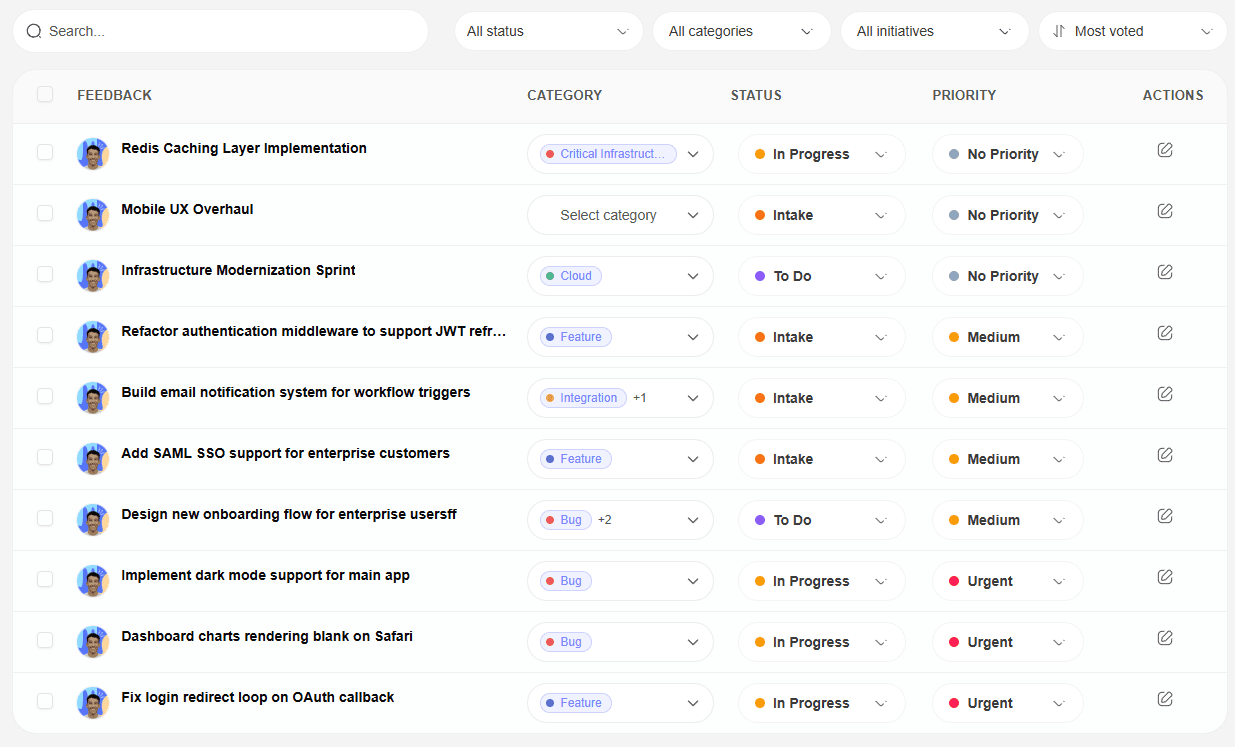
Feedvote's Slack integration posts new feedback, comments, and status changes through an incoming webhook URL you provide. Alerts go to the Slack channel connected to that webhook, so your team can follow activity without repeatedly checking the dashboard.
Notify the connected channel about new feedback, comments, and status changes.
Give account teams a shared place to spot client requests before they get buried.
Send teammates back to the exact Feedvote item when they need the full story.
Let Feedvote surface changes in the workspace your team already keeps open.
quick setup
Create an incoming webhook for a Slack channel, paste its URL into Feedvote, and choose which supported alerts to receive.
Create an incoming webhook in Slack for the channel that should receive Feedvote alerts.
Open Integrations in your Feedvote project settings and paste the incoming webhook URL.
Turn on alerts for new feedback, status changes, and comments as needed.
slack workflow
Slack alerts keep client feedback visible while Feedvote remains the system of record.
Step 1 · new feedback
New submissions can show up in Slack quickly, with enough context for your team to triage them.
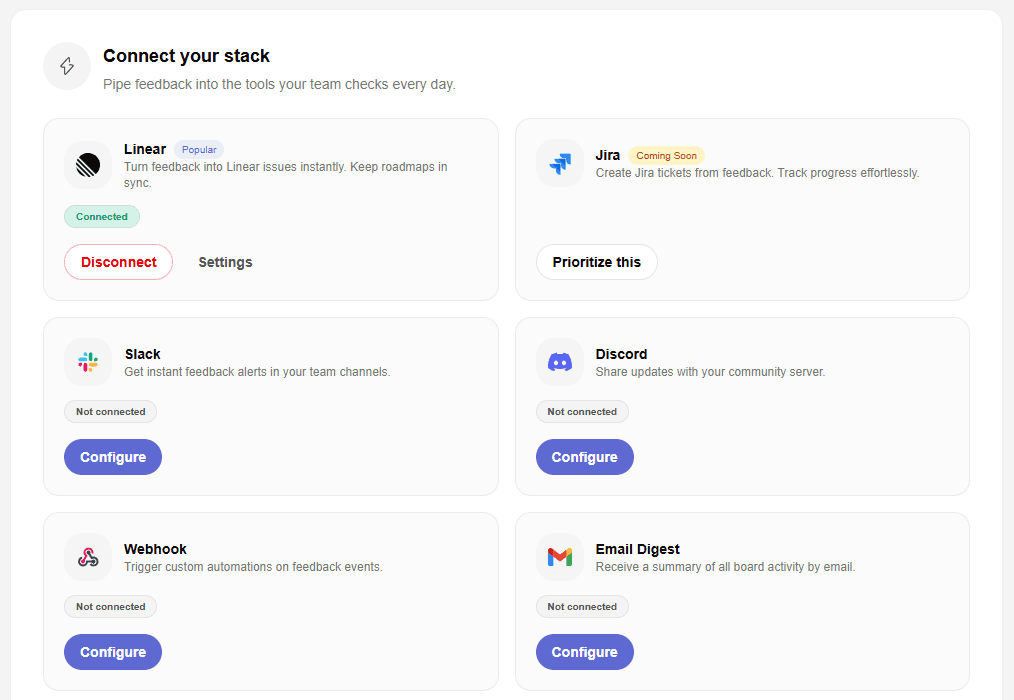
Step 2 · team routing
Connect the incoming webhook for the shared channel where your team should see feedback activity.
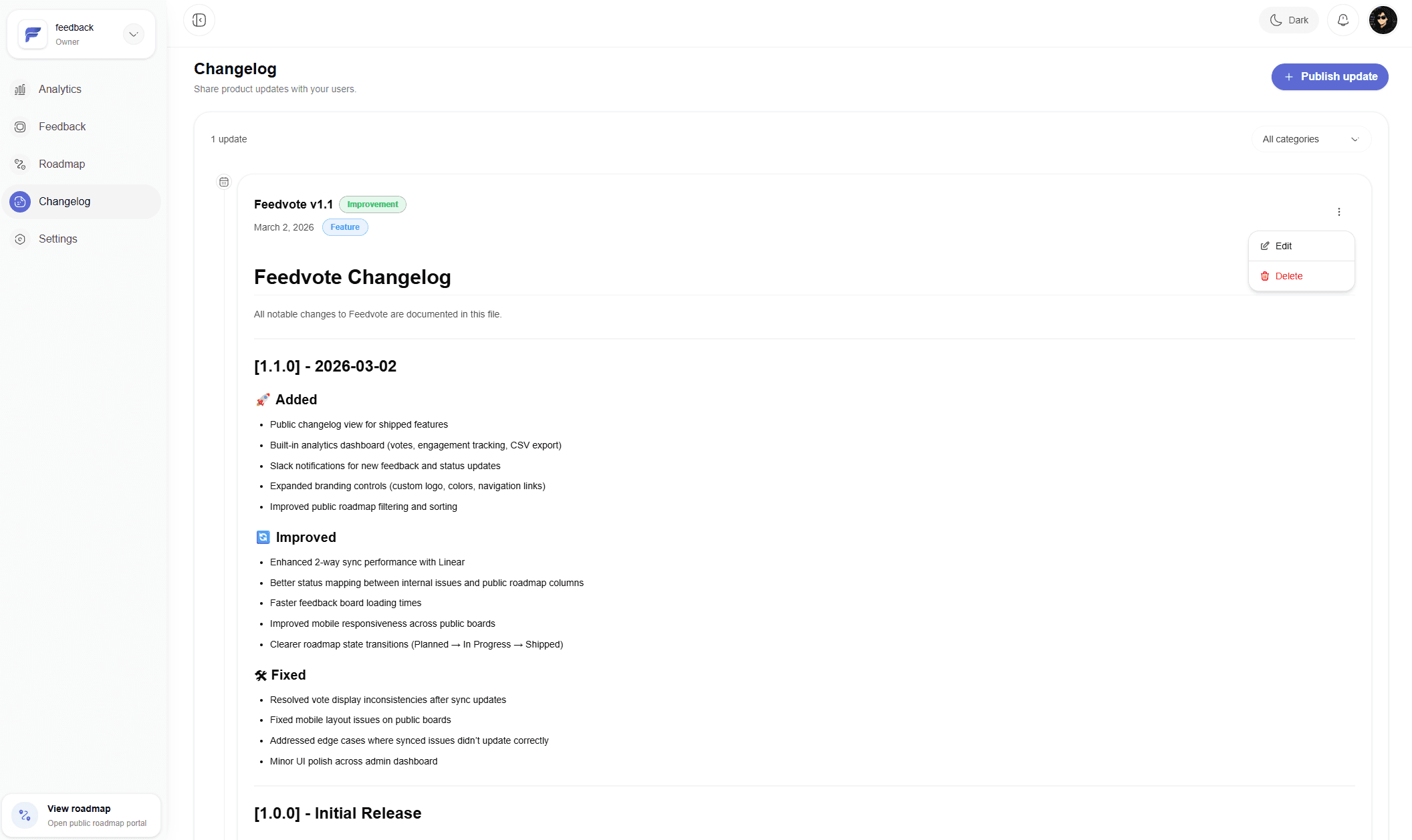
Step 3 · progress
Status updates can be broadcast to Slack so teammates know when requested work moves forward.
Common questions
Clear answers about setup, access, and what happens after you connect Feedvote.
Feedvote can send alerts for new feedback, comments, and status changes so your team sees supported activity quickly.
Yes. Create the incoming webhook for the Slack channel you want to use. To change channels later, replace the saved webhook URL.
No. Feedvote sends alerts to the incoming webhook URL you provide and does not read your Slack conversations.
Collect requests, keep customers updated, and give your team a cleaner path from feedback to shipped work.