
Community visibility
Share product movement with the community spaces where users already gather.
 Discord integrationLive
Share new feedback, comments, and status changes with the Discord channel your community or client group already uses.
Built for teams working in Linear

Feedvote + Discord
What it does
Feedvote's Discord integration posts new feedback, comments, and status changes through a channel webhook URL you provide. It keeps a community or client channel informed while Feedvote remains the place for submissions, voting, moderation, and roadmap details.
Share product movement with the community spaces where users already gather.
Let members know when planned, in-progress, or shipped work changes.
Share new feedback and comment activity without turning Discord into the main feedback database.
Post updates to the channel you choose without reading private server conversations.
quick setup
Create a webhook for the destination channel, paste its URL into Feedvote, and start receiving supported feedback alerts.
In Discord, open the destination channel's integration settings and create a webhook.
Open the Discord integration in Feedvote and paste the channel webhook URL.
Receive new feedback, comment, and status-change alerts without manual copy-paste.
discord workflow
Discord gets the updates. Feedvote keeps the feedback board, votes, roadmap, and changelog organized.
Step 1 · community input
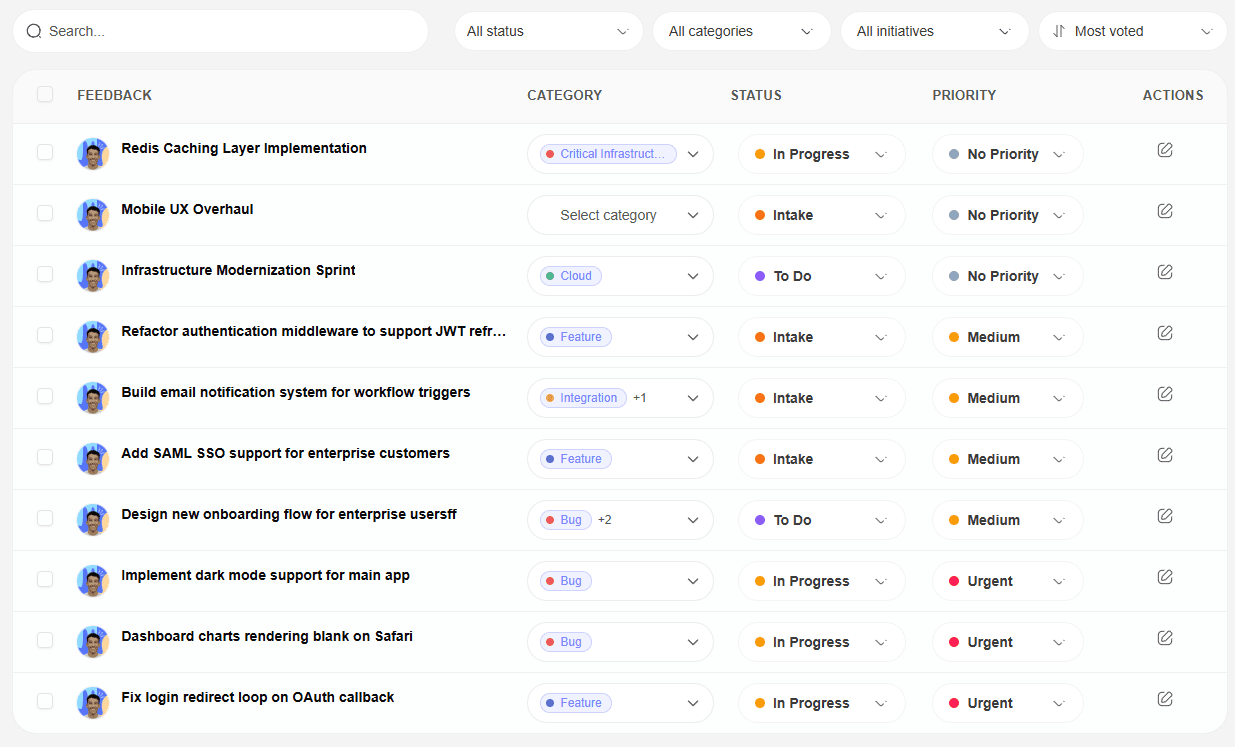
Point users to Feedvote for structured submissions, then share new feedback and comments back into Discord.
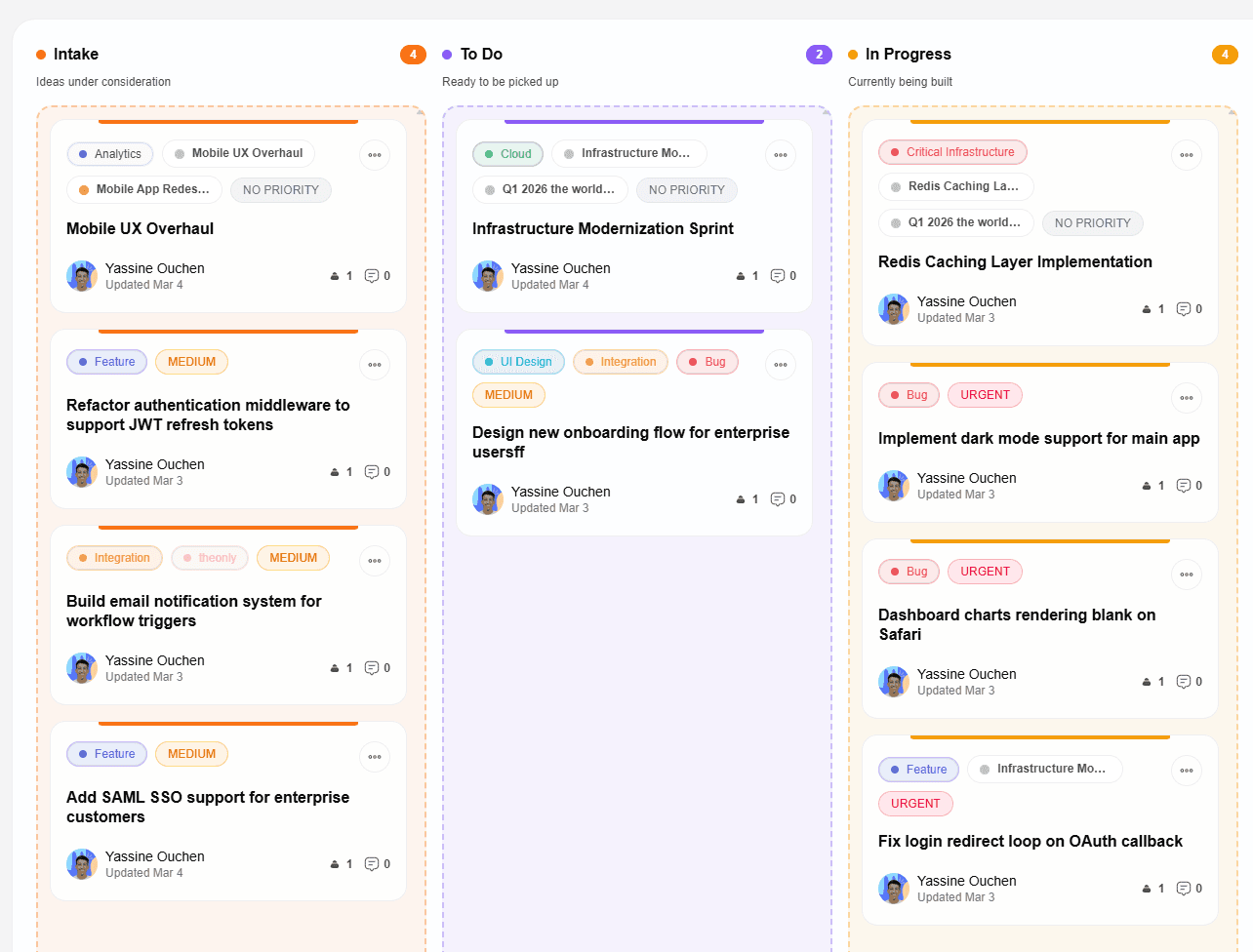
Step 2 · roadmap visibility
Use status-change alerts to keep community members informed without exposing your internal project tracker.
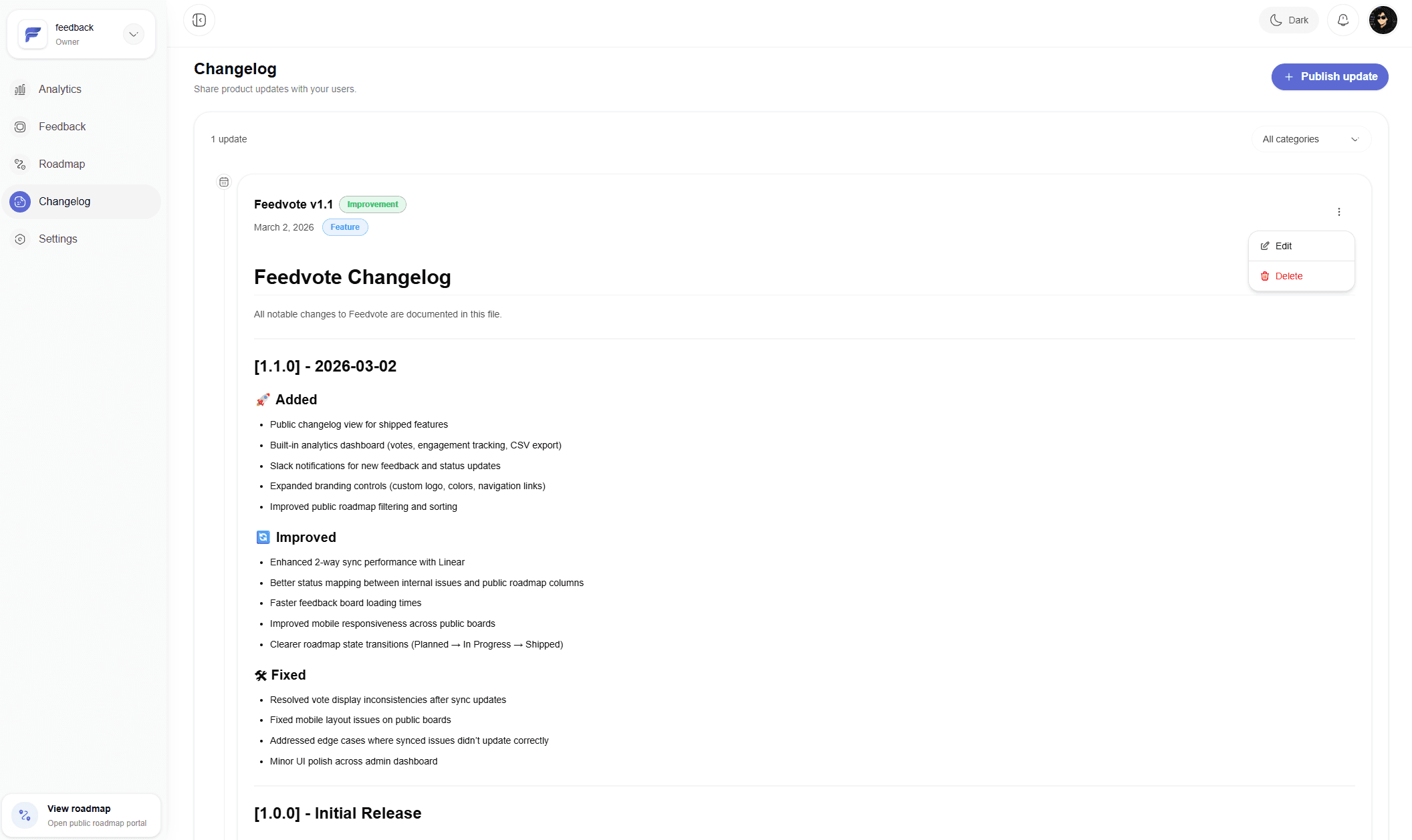
Step 3 · release updates
A shipped status change can reach your Discord channel while the full update stays organized in Feedvote.
Common questions
Clear answers about setup, access, and what happens after you connect Feedvote.
Feedvote can post alerts for new feedback, comments, and status changes to the channel connected to your Discord webhook.
No. Feedvote only sends alerts to the channel webhook URL you provide. It does not read or store your server messages.
Yes. You can share Feedvote links in Discord so members can submit requests, vote, and follow progress on the public board.
Collect requests, keep customers updated, and give your team a cleaner path from feedback to shipped work.